Native performance
Built in Rust for fast startup, efficient memory use and an interface that keeps up with you.
A desktop data IDE that combines a professional SQL editor, an interactive grid and multi-provider AI. Fast to use, efficient with resources and simple by nature.
 PostgreSQL
 MySQL
 SQLite
 SQL Server
 MongoDB
 Redis
bando brings the tools you use every day into one straightforward environment, without turning every task into a configuration project.
Built in Rust for fast startup, efficient memory use and an interface that keeps up with you.
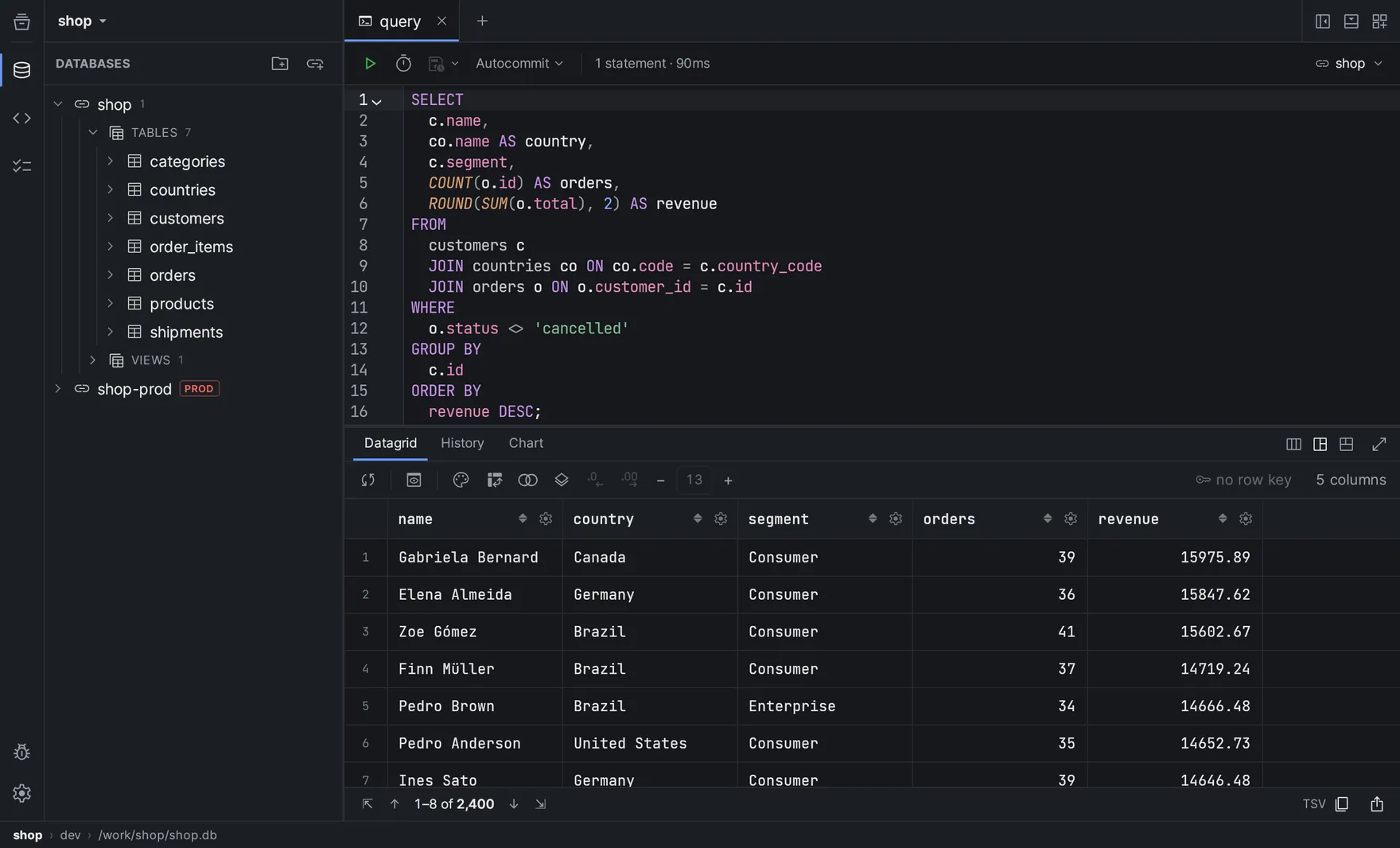
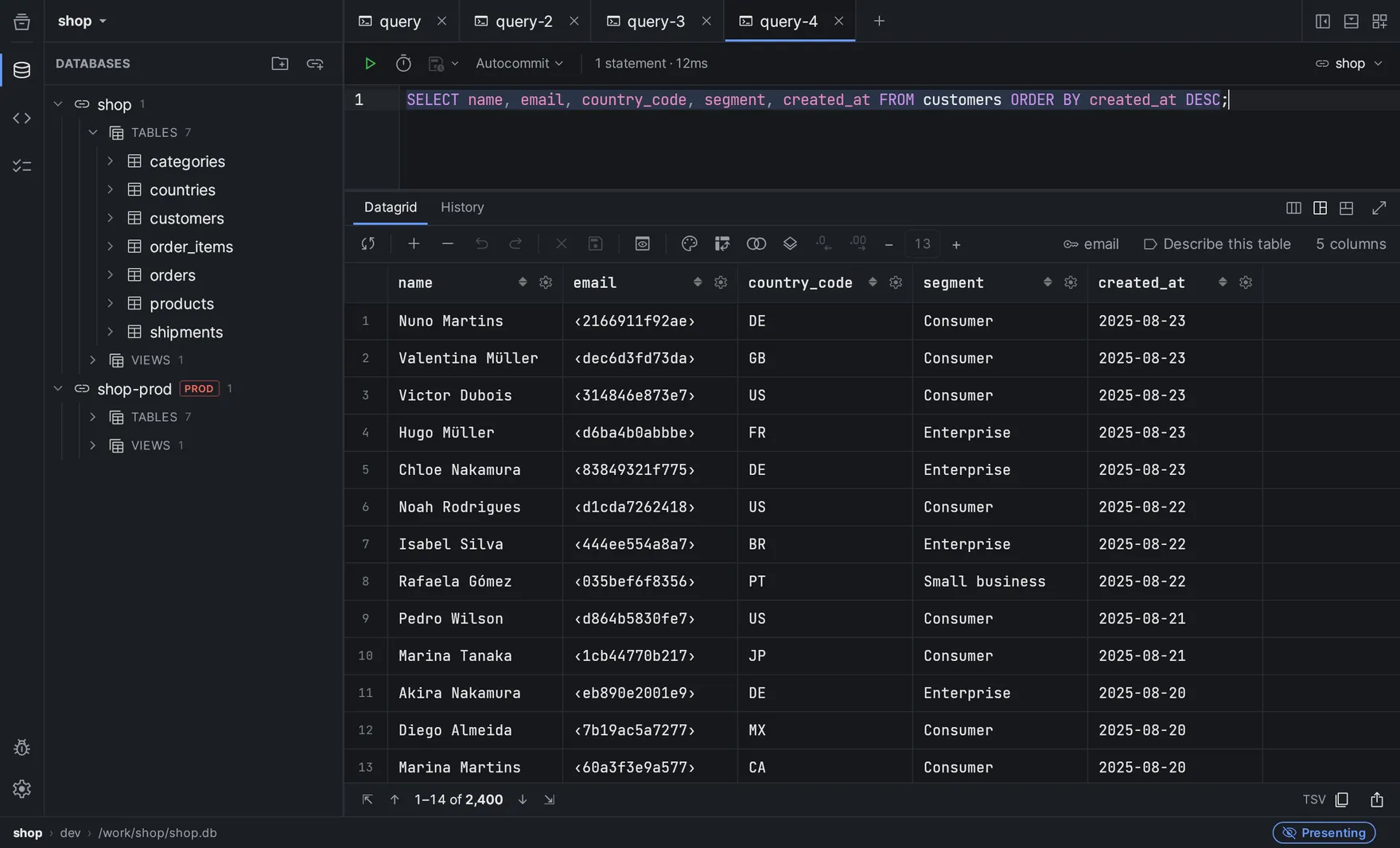
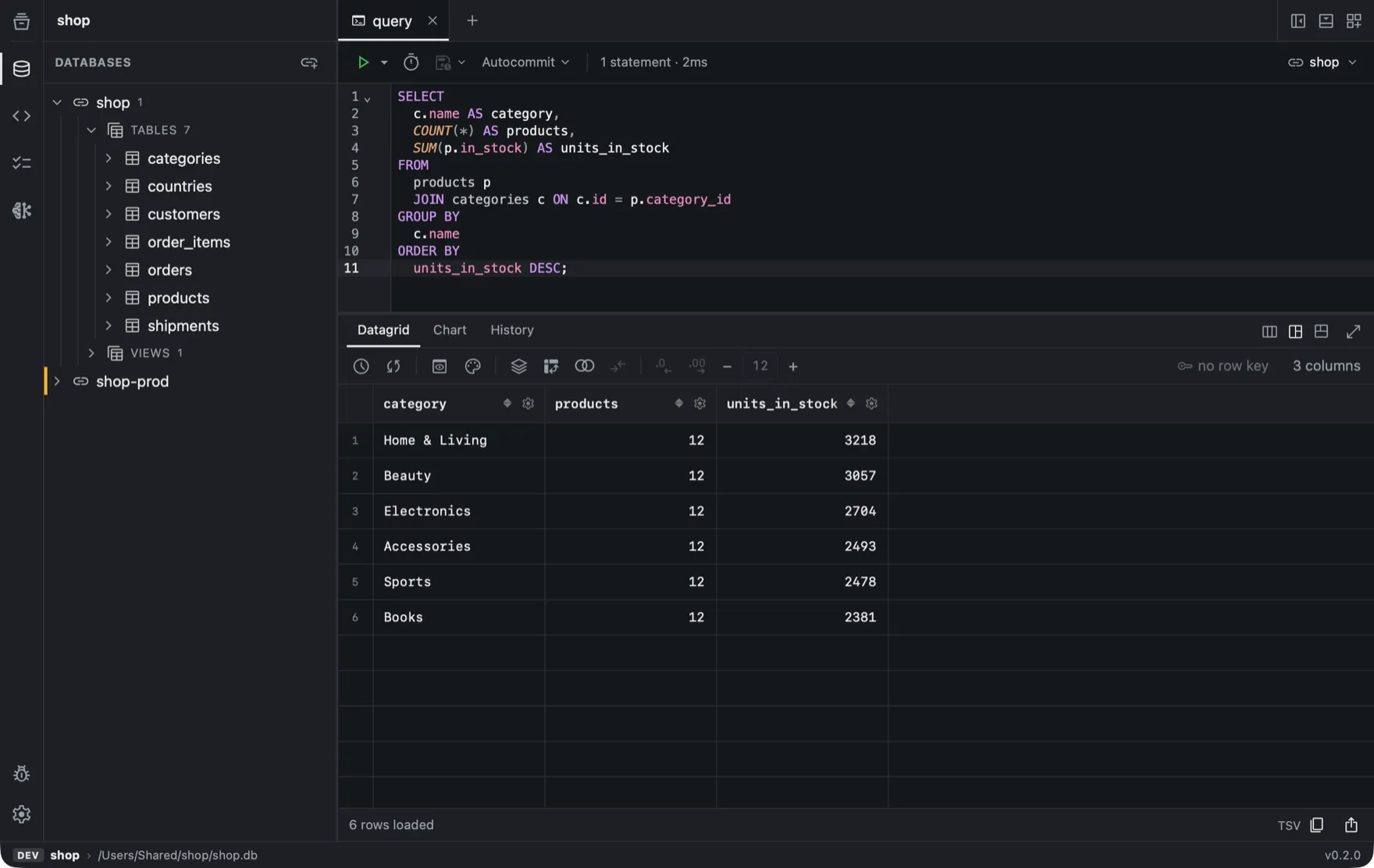
An organized editing space to write, review and run queries without losing context.
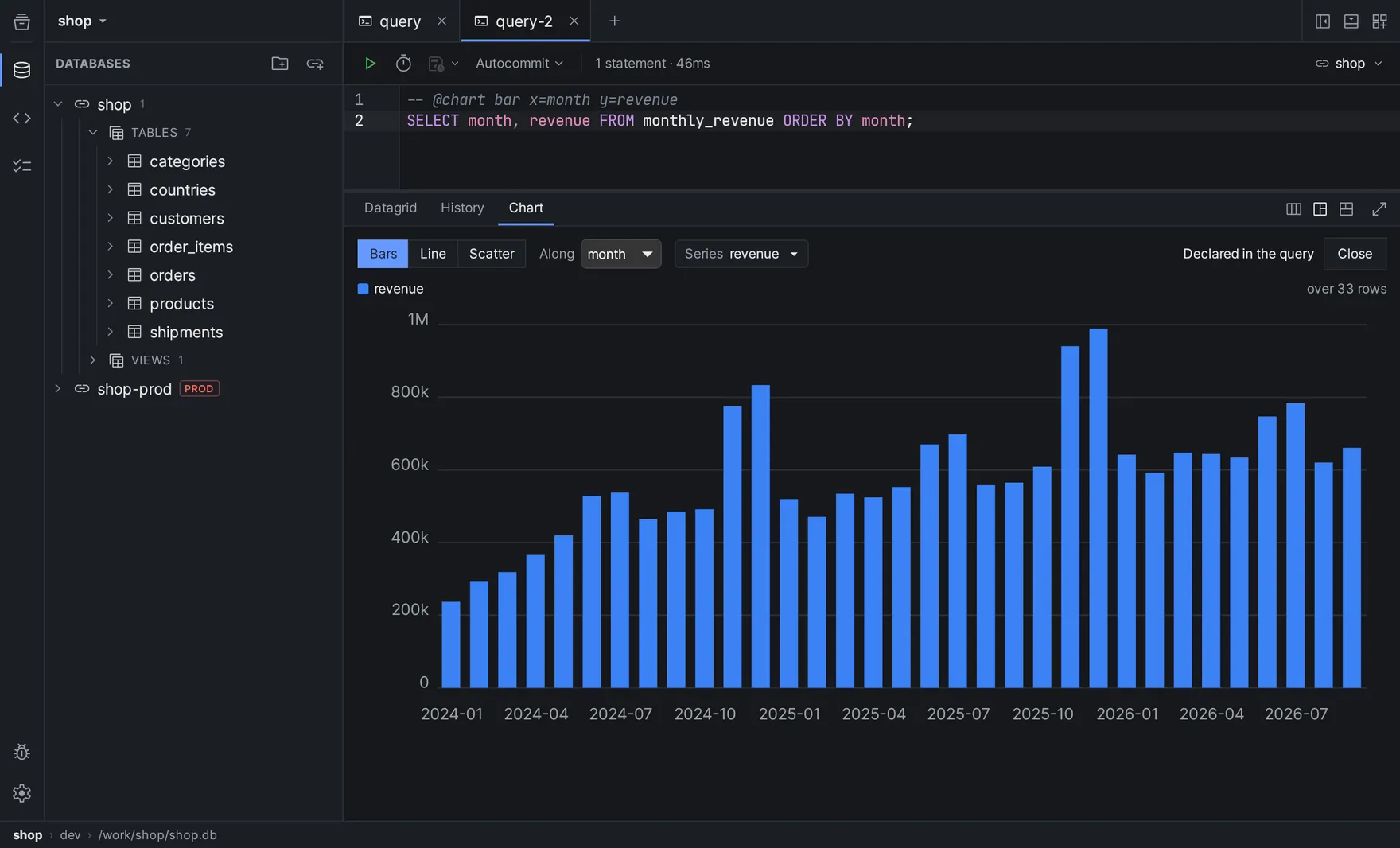
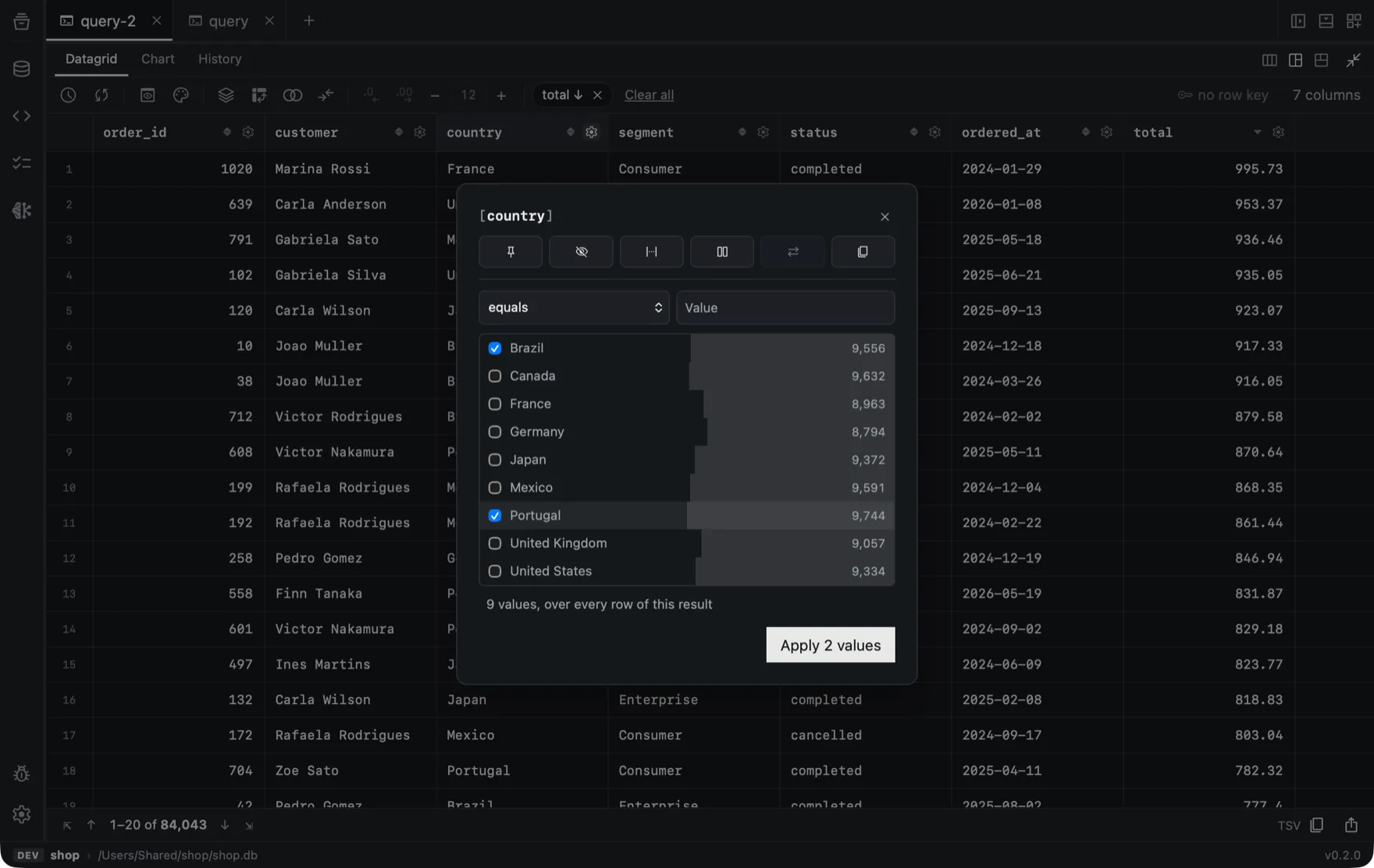
Filter, sort, group, aggregate and edit results on a surface built for interactive exploration.
Keep the query and its output in the same workflow, ready for the next question.
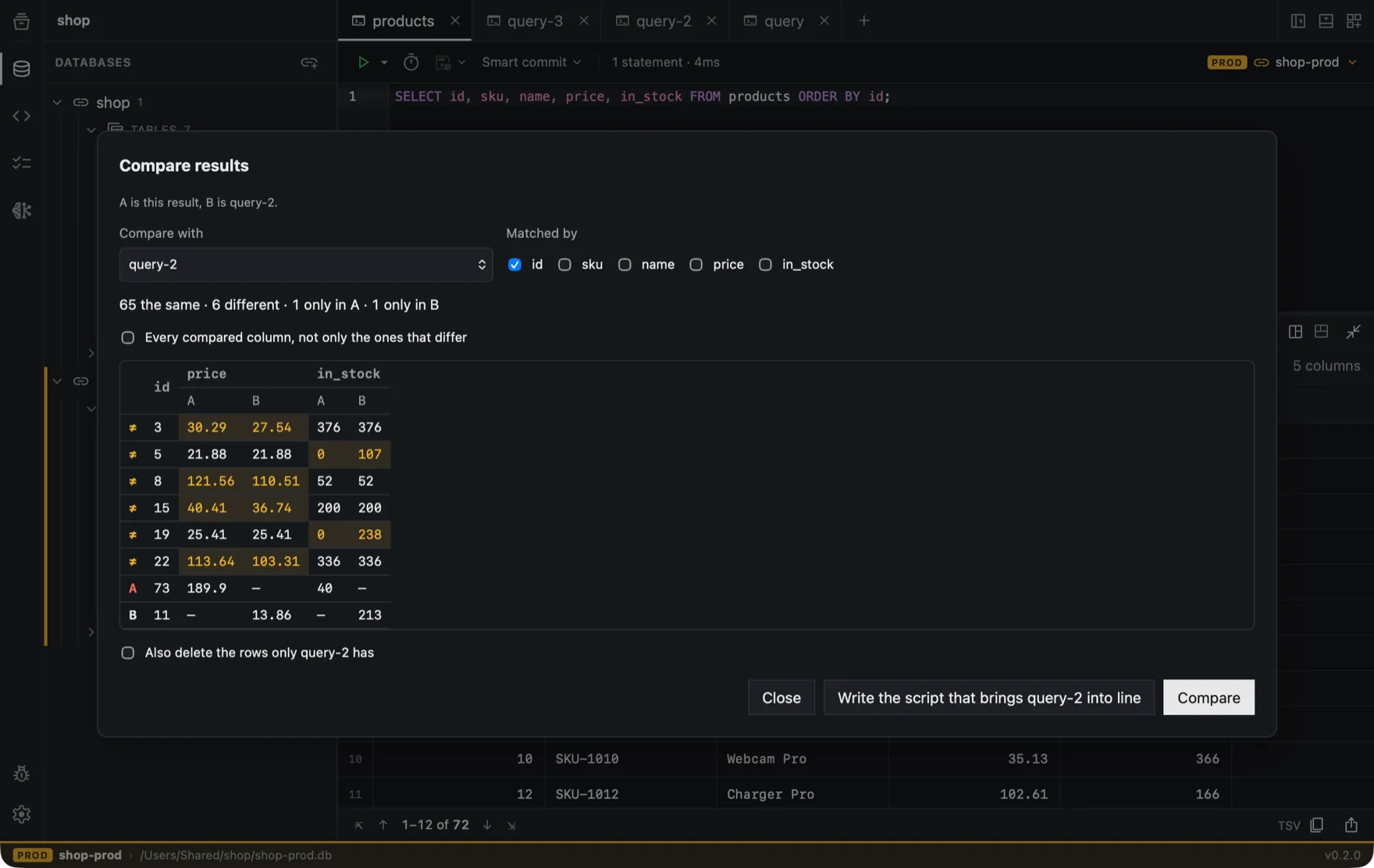
Join results from queries, different connections and CSV files without leaving your workspace.
Prepare data for comparisons, reports and new perspectives without starting over in another tool.
From SQL to result, from exploration to comparison: bando connects the steps so you stay focused on the problem, not on switching apps.
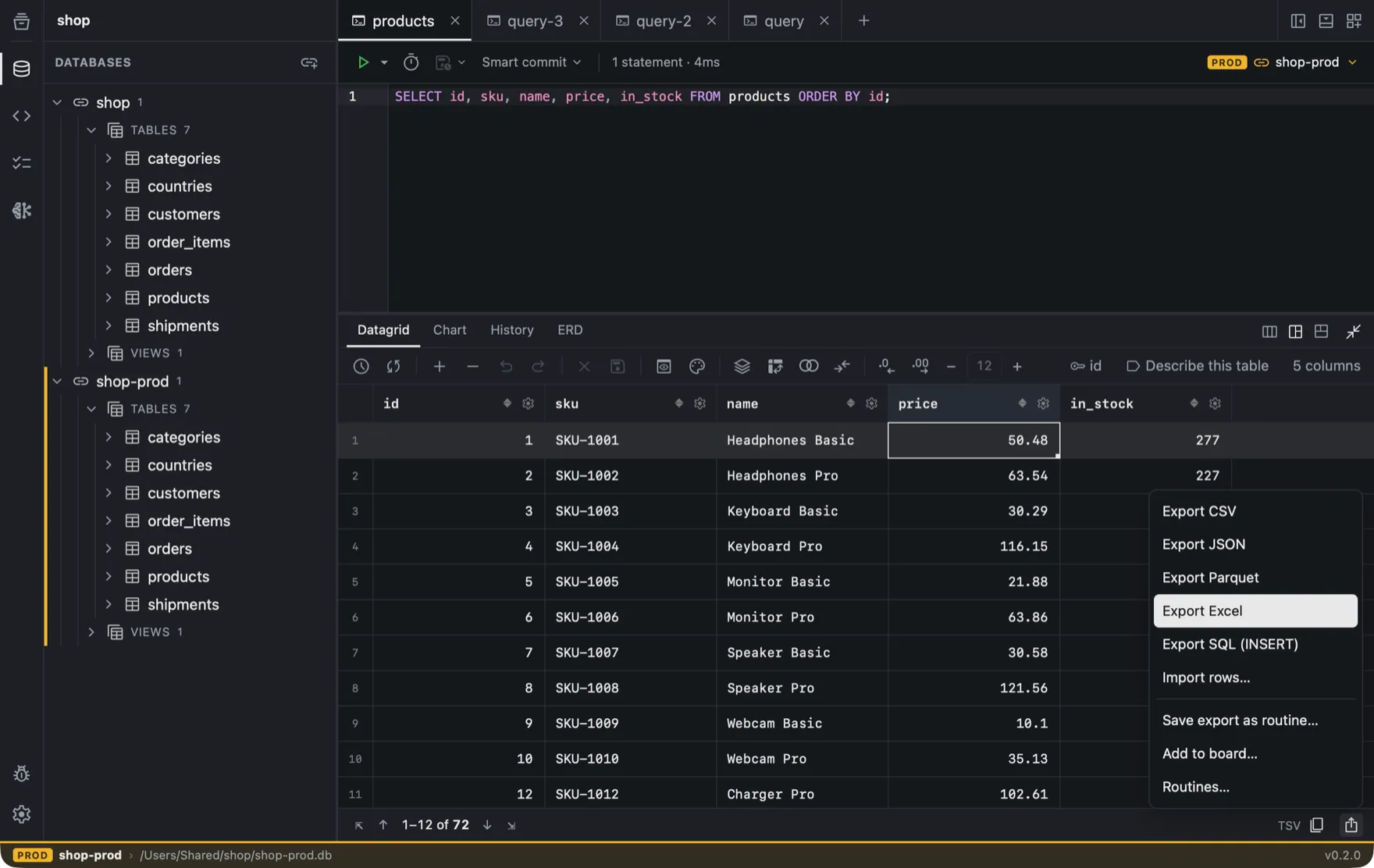
Run a query and keep exploring. The interactive grid is part of the flow — not just an output screen.
Write SQL in an editor designed to keep code readable and context close at hand.
Investigate values with filters, sorting and grouping right in the grid.
Cross results from different sources and compare sets to find differences.
Export the data and take your analysis to the next step of your work.
Choose the models that make sense for your work. Use agents as partners to explore schemas, build queries and investigate results.
bando acts as a gateway to the providers you configure. The flexibility to choose models and adapt how you use AI to your needs.
 OpenAI
 Anthropic
 OpenRouter
 Ollama
 Other compatible providers
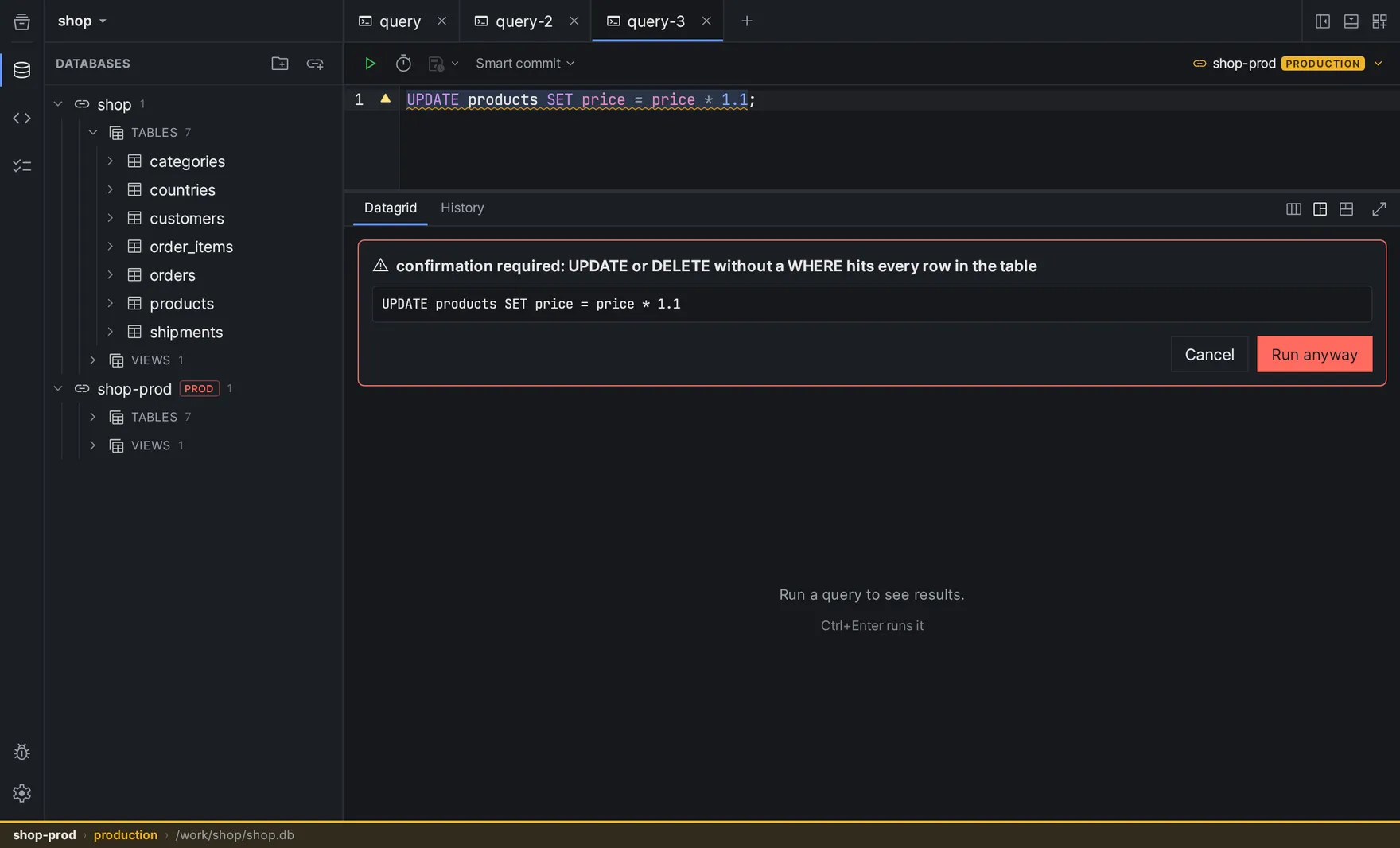
A workflow that puts context, traceability and control of operations first, keeping you in charge of the decisions that matter.
The availability of providers, models and controls depends on your configuration and the enabled integration.
 PostgreSQLRelational
 MySQLRelational
 SQLiteEmbedded
 SQL ServerRelational
 MongoDBDocuments
 RedisIn-memory
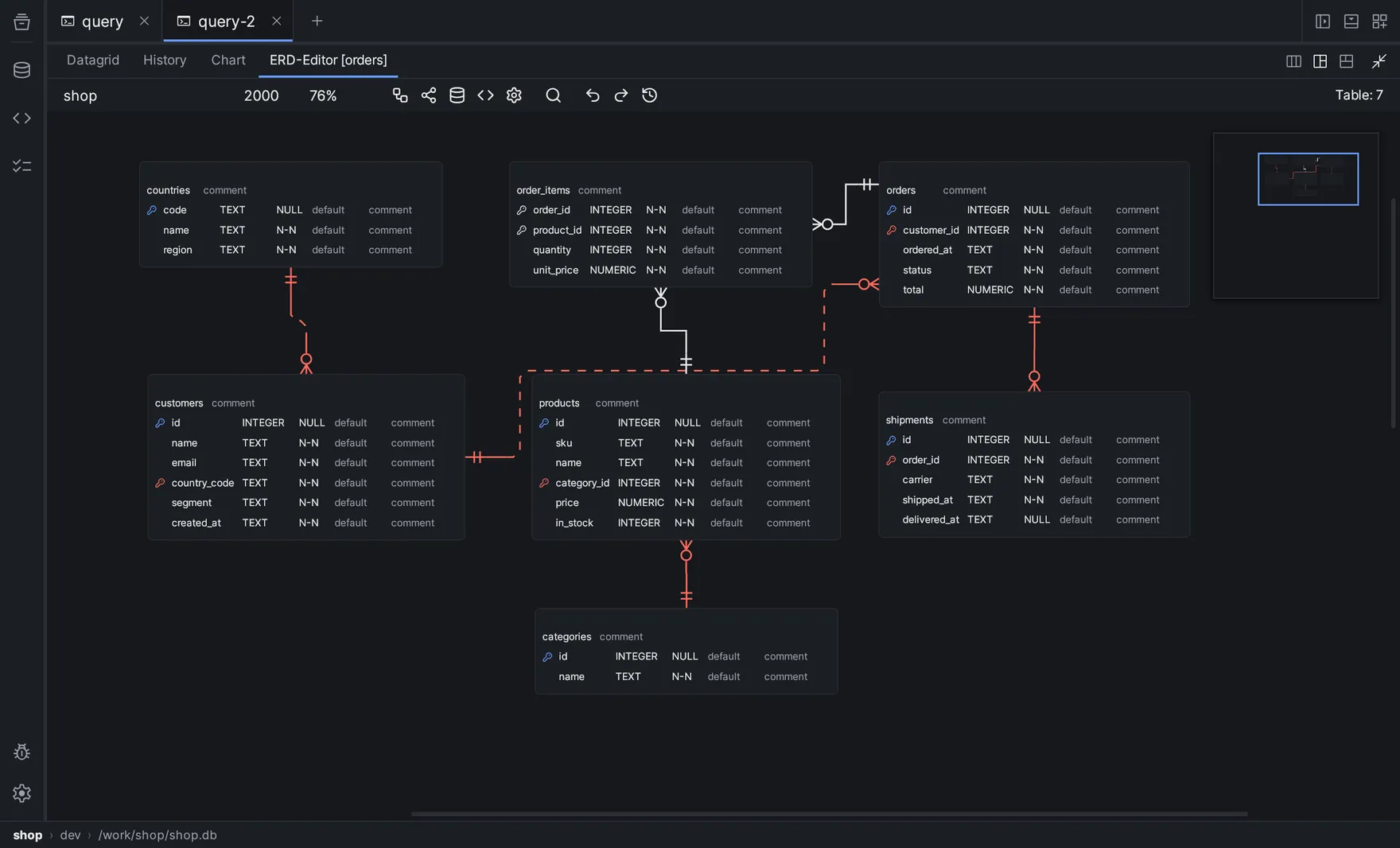
Work with relational and non-relational technologies without fragmenting your flow. MariaDB, TimescaleDB, TiDB, YugabyteDB and other compatible databases can also be part of your environment, depending on the available drivers.
Discover bando